Then I Got Hacked

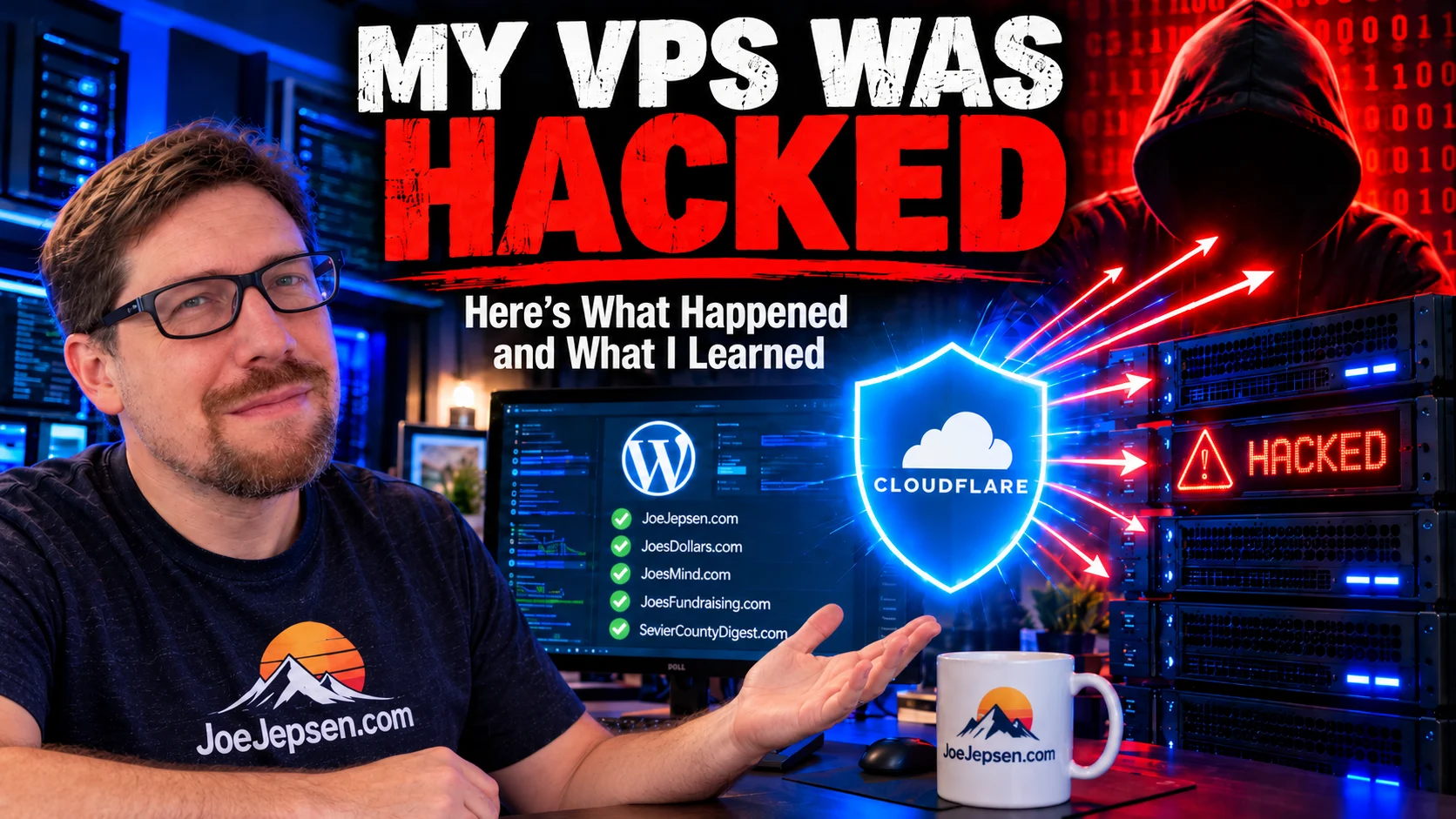
Well, that didn’t take long.
When I moved my websites from shared hosting to my own VPS, there was one thing sitting in the back of my mind the entire time: What happens if I get hacked?
A VPS, or virtual private server, is basically my own rented slice of a much larger computer in a data center. Unlike shared hosting, where the hosting company manages much of the server for you, a VPS gives you far more control—and far more responsibility.
If you missed how I ended up here, start with Part 1: From Shared Hosting to a Slice of Pizza: How AI Made Running My Own VPS Practical. You can also read Part 2: Where My VPS Actually Lives — and the Nuclear-Powered One I Want.
With shared hosting, if something goes wrong, you can usually open a support ticket and ask for help. With a VPS, the server is mine. The configuration is mine. The security is mine. And if something goes badly wrong, the mess is mine too.
I knew that when I made the move.
I just didn’t expect to test the theory quite this soon.
Then I got hacked.
Perfect.
The Thing I Was Afraid Of Actually Happened
I had already eaten the virtual pizza, answered the Nginx sphinx riddle, and moved all of my websites onto a server that I was now responsible for maintaining.
Then the traffic started going crazy.
JoesMind.com was suddenly getting hammered with an enormous amount of automated traffic. Bots were probing login pages, looking for old configuration files, and testing common WordPress weaknesses.
This sort of thing happens constantly on the internet. Automated systems scan websites looking for an unlocked door, an outdated plugin, a forgotten file, or anything else they might be able to exploit.
At first, it looked like another wave of that.
Then, while investigating what was happening, it became clear that I had a more serious problem: one of the WordPress installations on my server had been compromised.
That was exactly the scenario I had worried about before moving to a VPS.
And yes, I panicked.
Then the investigation turned up something I had not expected.
The malicious code led back to a WordPress site I had created in 2024 and completely forgotten about.
It had not been kept updated, and when I migrated everything from my shared hosting account to the VPS, it came along for the ride.
Only after finding the bad code there did I realize what had happened: I had transferred a neglected WordPress installation onto my brand-new server without realizing it was carrying a problem with it.
Then came another unpleasant realization.
Some of my backups had been made after the migration, which meant they could contain the same malicious files.
So for a brief moment, “Don’t worry, I have backups” turned into, “Oh great, I backed up the malware too.”
First: Stop the Bleeding
Once I got past the initial “oh crap” stage, I could actually do something about it.
I did not have to open a support ticket, explain the problem, and wait for someone else to gain access to the tools I needed. I already had access.
Public PHP execution on the affected site was blocked while I investigated it. PHP is the programming language that runs much of WordPress, so temporarily stopping it from running publicly helped prevent questionable code from doing anything while I figured out what belonged there.
I also tightened Cloudflare, the service that sits between visitors and my server and can challenge or block suspicious traffic before it ever reaches the websites.
For the immediate containment phase, I put all of my websites into Cloudflare’s Under Attack Mode.
At that point, it was:
“Red Alert! Shields up!”
I wanted another layer between the internet and every site on the server until I understood what I was dealing with.
Once things were under control, I started backing those protections down and configuring the sites individually. JoesFundraising.com stayed in Under Attack Mode longer than the others while I finished tightening its setup.
Sometimes the first thing you need in a security incident is simply time.
Welcome to the Moon
This was also the moment when I fully understood the difference between shared hosting and running my own VPS.
On shared hosting, there is a company managing the server underneath your website. If WordPress gets compromised, you may be able to open a ticket and get somebody to help.
On an unmanaged VPS, things are a little different.
The provider gives you the virtual server and, after that, you are basically on the moon.
Here is your computer. Here is your root access. Good luck.
“Root” is basically the master administrator account on a Linux server. It gives you the ability to change almost anything, which is wonderful when you know what needs changing and mildly terrifying when you realize there is nobody automatically coming to your rescue.
That independence was one of the reasons I wanted a VPS in the first place.
And when something actually went wrong, it turned out to be one of the advantages.
I could inspect logs, change server settings, stop parts of a website from running, compare files, isolate a site, and rebuild things without waiting for somebody else to do it for me.
The responsibility I had been afraid of was also what allowed me to respond immediately.
Fixing It
Once the source of the malicious code had been traced back to the forgotten WordPress installation, the job became much clearer.
I did not want to simply delete a few suspicious files and assume everything was fine. If an installation had been compromised, I no longer wanted to trust everything inside it.
A clean WordPress environment could be built separately while the compromised installation remained contained. From there, the useful parts of the site could be recovered without automatically carrying every old file, plugin, or piece of code along with them.
Think of it like discovering termites in an old house. You do not build a new house and then carefully move all the questionable old wood into it.
The same idea applies to a website.
At the same time, I could inspect the server around WordPress instead of assuming the entire machine had been taken over. The server-level protections, administrative access, website isolation and network security could all be checked independently.
Once I had an environment I trusted again, I created a fresh verified backup and moved forward from there.
The goal was not to put everything back exactly the way it had been.
The goal was to make sure the problem did not come back with it.
It Wasn’t the VPS
When someone says, “My VPS got hacked,” it sounds like somebody broke into the server itself, took control of the operating system, and conquered everything on it.
That is not what I found.
The compromise was in a web application.
WordPress, its themes and its plugins are software, and software can have vulnerabilities—especially when an installation has been sitting online without being kept up to date.
Meanwhile, the protections around the underlying server were still doing their jobs. Administrative access was locked down, the firewall was working, the websites were isolated from one another, and Cloudflare was sitting in front of them.
A compromised WordPress installation is serious, but it does not automatically mean someone has taken over the entire server.
And in this case, the VPS was not where the problem originated.
The investigation led back to a forgotten WordPress site I had created in 2024 and transferred from my shared hosting account along with everything else.
The VPS didn’t invent that problem.
I brought it with me without knowing it was there.
No, My VPS Is Not Hack-Proof Now
It would be tempting to end this story by declaring that everything is now safe.
That would be nonsense.
No system is hack-proof. Not my VPS. Not shared hosting. Not WordPress. Not a giant corporation with an entire security department.
There will always be vulnerabilities, forgotten applications, compromised passwords, vulnerable plugins, and new security problems nobody knew about yesterday. The official WordPress hardening guide is a good reference for the broader security basics.
The goal is not to build a server that can never be compromised. The goal is to make compromise harder, detect problems sooner, limit the damage, and be able to recover.
And strangely enough, my websites may actually be safer now than they were before.
Not because a VPS is magically more secure than shared hosting. It isn’t.
But I now have much better visibility into what is running, and I have control over how it is protected.
As The Outer Limits famously put it:
“We control the horizontal. We control the vertical.”
Well, in my case, I control Nginx, PHP, MySQL, the firewall, the backups and just about everything else in between.
For the non-technical reader, those are simply some of the pieces underneath a website: Nginx handles the web traffic, PHP runs much of WordPress, and MySQL stores the website’s data.
Controlling all of that does not make the server invincible.
It means I have the ability to do something when things go wrong.
So Much for My Biggest Fear
Moving to a VPS still is not something I would recommend to everybody. You need to be willing to learn, maintain backups, pay attention to security, and occasionally stare at a terminal wondering exactly what you have gotten yourself into.
You also have to accept that the internet is full of automated systems constantly knocking on doors to see which ones were accidentally left unlocked.
Which brings me to an old Three’s Company invitation:
“Come and knock on our door.”
Apparently the internet took that literally.
Except Jack, Janet and Chrissy never tried to download wp-config.php.
For those who have never dealt with WordPress, that is one of its important configuration files—which is precisely why attackers like looking for exposed copies of it.
My biggest fear about running my own server actually happened. I got hacked. I panicked. Then I traced the problem back to a website I had created in 2024, forgotten about, and unknowingly carried over from my old shared hosting account.
I contained it, rebuilt what needed rebuilding, and tightened the protections around everything else.
And I did not have to wait for a support ticket.
Somehow, after going through the exact situation that was supposed to convince me I had made a terrible mistake, I am more comfortable running my own VPS than I was before.
Not because I think it cannot be hacked.
I know it can.
I also know what I can do when something goes wrong.
Apparently the Nginx sphinx had one more riddle.
This time, the answer was:
Confirm that your auto-updates are enabled and actually being installed—because you can’t party like it’s 1999 anymore.